

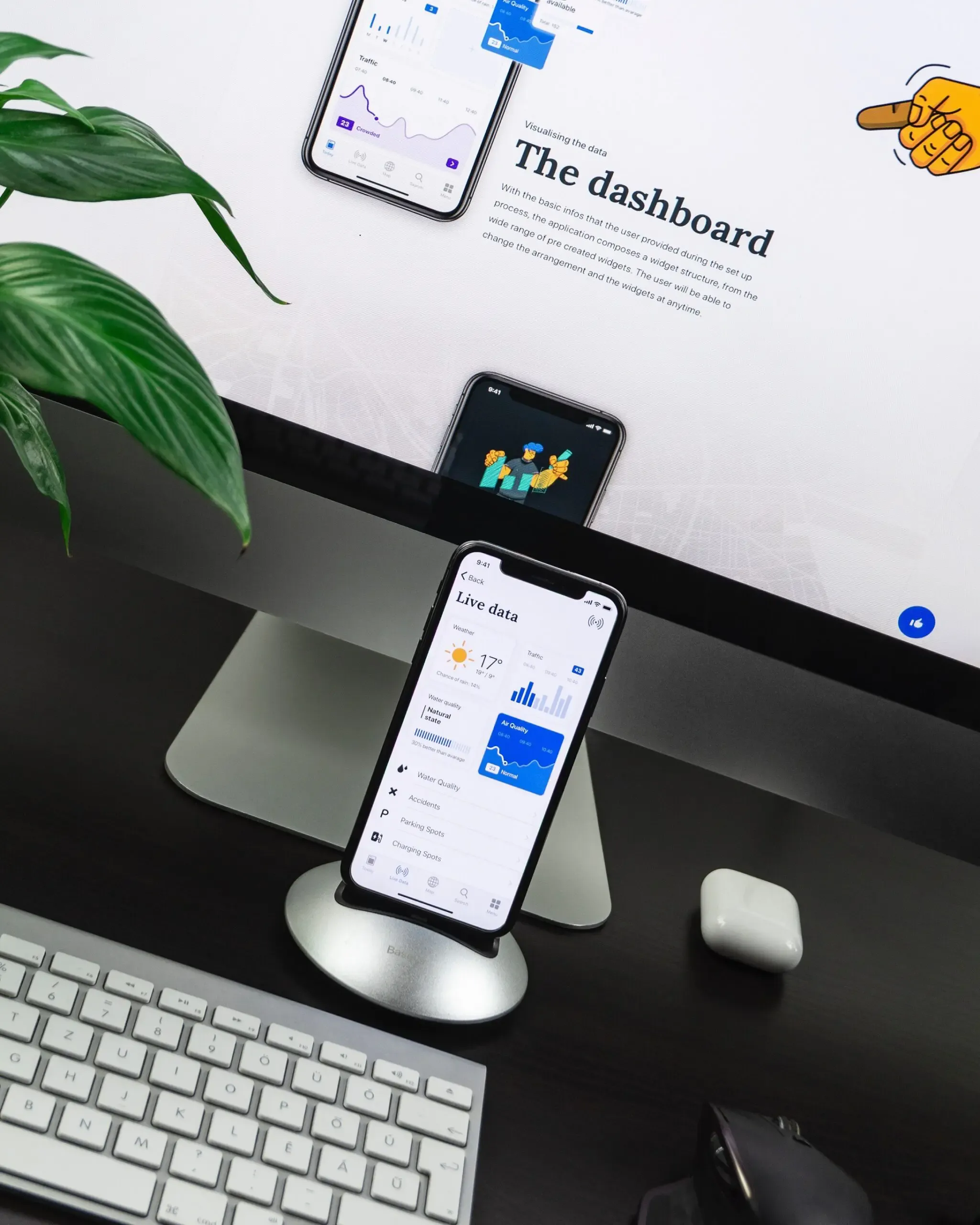
Progressive Web Apps (PWAs) deliver native-app experiences (offline access, push notifications, and home-screen installation) directly through the browser, built on standard web technologies. For businesses that cannot justify the cost of separate iOS and Android apps, PWAs close the gap: a single codebase that works across every device, at significantly lower cost than native development.
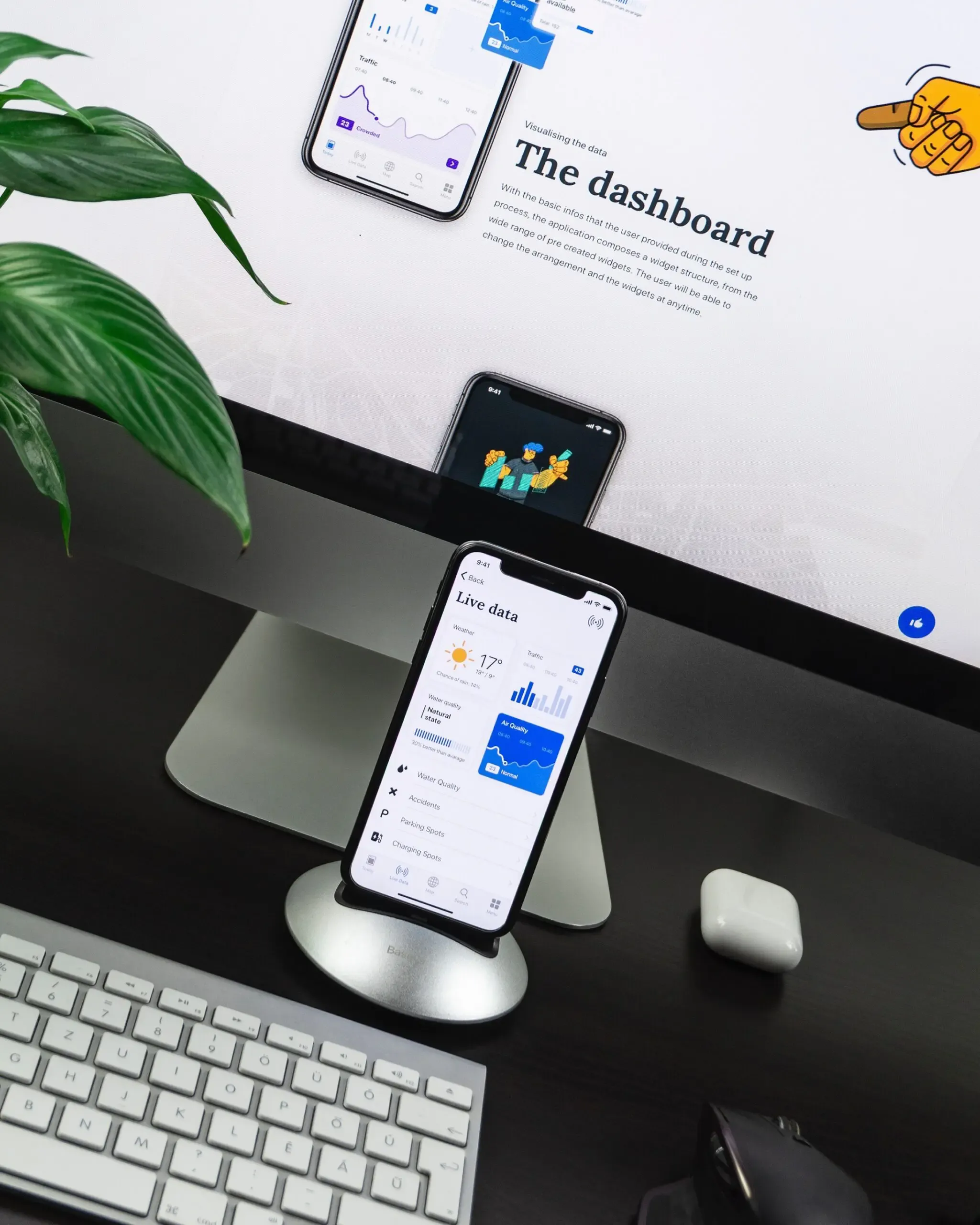
What Is a Progressive Web App?
A Progressive Web App is a responsive website that uses modern browser APIs to behave like a native app. Users can install it from the browser to their home screen, access it offline using cached data, and receive push notifications, without visiting an app store or downloading anything in the traditional sense.
Because PWAs are built with HTML, CSS, and JavaScript, they are platform-independent. Unlike native apps, they do not require separate builds for iOS and Android, and they can be developed and deployed quickly.
Why PWAs Matter for Mobile-First Businesses
Statista reports that mobile devices have accounted for more than 50% of global web traffic since 2015. That scale of mobile usage creates an expectation: users want fast, frictionless experiences that work whether they are on a phone, tablet, or desktop.
Not every business can afford to build and maintain separate native apps alongside their website. Responsive web design was the first answer, but it cannot deliver offline support, push notifications, or other native-like functionality users now expect. PWAs solve exactly that problem.
Trivago's implementation is a well-documented example. After identifying rising mobile usage among travellers, Trivago rebuilt its mobile experience as a PWA. The result was a 97% increase in click-outs to hotel offers and a 150% increase in user engagement rate, without separate native app builds.
PWAs vs Native Apps vs Responsive Web
Understanding the three options helps frame the decision:
Native apps are built for a specific operating system using platform-specific languages (Swift for iOS, Kotlin for Android). They offer the best hardware access and performance, but require separate builds, ongoing store maintenance, and higher development cost.
Responsive web apps adapt a website's layout to different screen sizes. They were the logical first step when mobile usage grew, but they cannot deliver offline service, push notifications, or hardware features users associate with apps.
Progressive Web Apps sit between the two. They are platform-independent websites that use service workers and modern browser APIs to replicate native-app behaviour. They are faster and cheaper to build than native apps, discoverable by search engines, and update instantly without user action.
For a deeper comparison, see Native App vs PWA: Choosing the Right Path for Your Mobile App.
Advantages of PWAs
Budget-friendly: With native app development averaging around $50K, introducing a PWA on an existing website saves significantly on both build and ongoing maintenance costs.
Lower maintenance overhead: Maintenance typically runs at around 20% of production cost. Because a PWA's production cost is lower than native, maintenance costs follow suit: one codebase to update, not two.
Smaller and lighter: PWAs are substantially smaller than native apps. Twitter Lite (their PWA) sits at around 600 KB, compared to the significantly larger Android and iOS native apps.
Lower bounce rate: Google notes that most users leave a site that takes more than three seconds to load. PWAs are lighter and faster-loading, which improves both user retention and search engine rankings. The average PWA bounce rate is approximately 42%.
Offline support: Service workers cache content so users can access data even without an internet connection, a critical feature for tools used in low-connectivity environments.
How Organisations Are Using PWAs
Major media companies including the BBC, The Washington Post, and Forbes have implemented PWAs to distribute content efficiently across desktop and mobile. PWAs are also used widely for internal business tools, e-commerce, and customer portals where cross-platform reach and speed of delivery matter.
Popular browsers including Chrome and Opera offer full PWA support. Firefox, Microsoft Edge, and iOS continue to expand their support, widening the addressable audience.
Push notifications, one of the most valuable PWA features from a marketing perspective, enable businesses to re-engage users directly, building brand loyalty without requiring an app store presence.
Which Approach Is Right for Your Business?
The right choice depends on your requirements:
- PWA: Best for consistent cross-platform mobile experiences, budget-conscious projects, information-heavy apps, and situations where discoverability and instant updates matter.
- Responsive web: Best for improving site accessibility and speed across devices without the need for app-like features.
- Native app: Best for performance-critical applications, deep hardware integration (camera, GPS, sensors), or when an App Store presence is a strategic requirement.
Putti builds both PWAs and native apps for New Zealand businesses and provides unbiased advice on which approach fits your users and budget. Get in touch to discuss your project.