

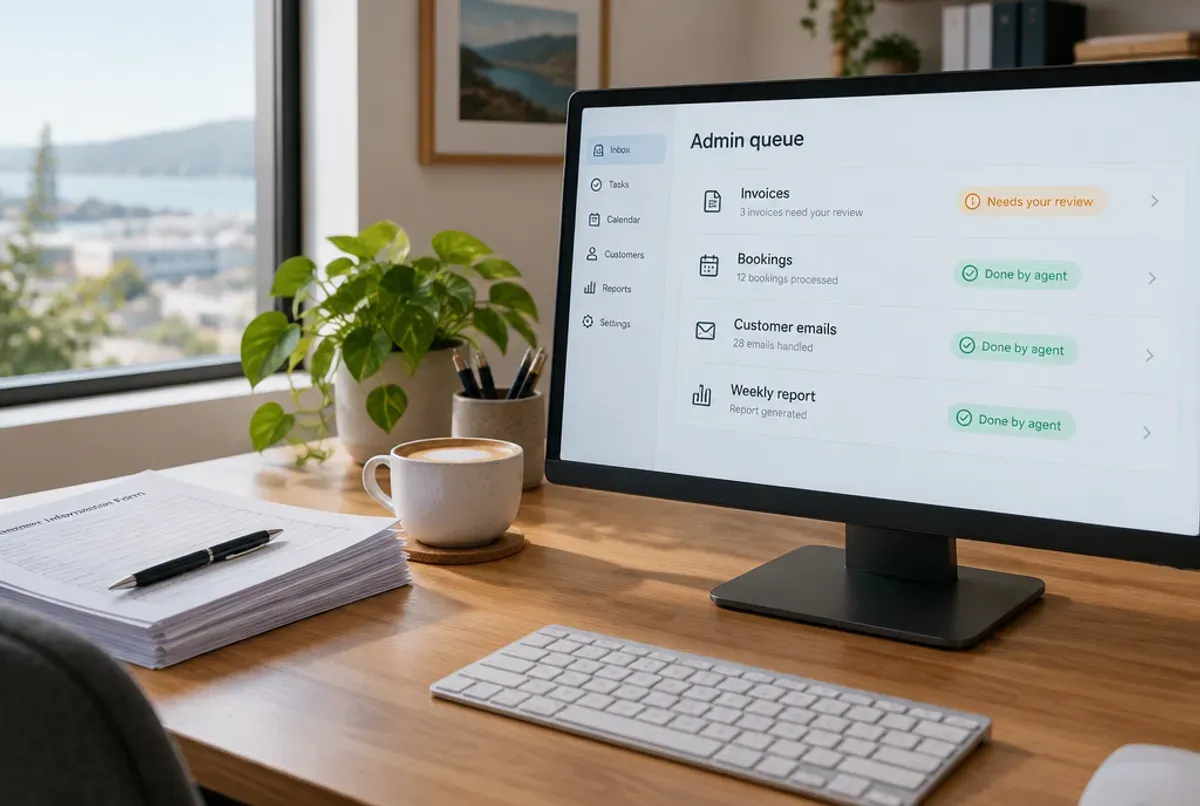
AI agents cut admin work by taking over the repetitive jobs that fill a team's week: sorting inboxes, reading invoices, keying in data and compiling reports. Putti, an Auckland AI agent developer, builds them so a person only reviews the exceptions. The saving comes from removing handoffs between people and systems, not from typing faster.
What admin work can an AI agent actually take over?
Any task that follows a pattern, arrives in volume and ends with a record being created or updated is a candidate. That covers more of a normal office than most people expect. Six jobs where the pattern fits:
| Admin job | What the agent does | What a person still does |
|---|---|---|
| Supplier invoices | Reads the PDF or photo, matches it to a purchase order and enters it in Xero or MYOB | Approves anything that doesn't match or looks unusual |
| Shared inbox | Sorts messages by type, drafts replies to the routine ones and flags the urgent ones | Sends the replies and handles the awkward ones |
| Quotes and proposals | Pulls specs and prices into a first draft | Checks the figures and sends it |
| Weekly reporting | Gathers numbers from several systems and writes the summary | Reads it and decides what to do |
| Onboarding paperwork | Chases missing documents and checks each form is complete | Signs off the final file |
| Data entry between systems | Copies records across and flags mismatches | Resolves the mismatches |
Look at the right-hand column. Every item is a decision or a send. The agent does the reading, matching and drafting, and a person keeps the parts that carry risk.
Why does an agent save more time than a chatbot or a writing tool?
A chatbot makes one person faster at one task, while an agent runs a whole workflow from the first email to the final record. With a chatbot open in a browser tab, someone still pastes the invoice in, copies the answer out, types it into the accounting system and chases whatever didn't match. The agent does all of that itself, because it's connected to the systems.
Off-the-shelf tools are a fine place to start when the job lives inside one app. They stop helping where the work crosses three systems and an inbox. Our post on what an AI agent actually is goes through the difference, and the guide on custom agents against off-the-shelf tools helps you decide which side of that line your job sits on.
How much time can a NZ business realistically save?
There's no honest universal figure, because the saving depends on how many hours your team spends on the task today. We haven't published a measured hours-saved number for our AI projects, so we won't hand you a percentage borrowed from someone else's.
The sum is simple. Take the hours a week spent on the task, multiply by the number of people doing it, then by what an hour of their time costs. Ask two or three people to log the task for a fortnight rather than guessing. Admin hides in five-minute pieces spread across the day, and it adds up to more than anyone remembers.
The appetite is certainly there. A Deloitte Access Economics study for 2degrees, with data collected in January and February 2026, found 82 percent of New Zealand businesses report using AI. Using it and getting a workflow off someone's desk are different things, though. MBIE's survey of 500 small and medium businesses in April 2025 found 94 percent were aware of at least one AI tool, and named lack of knowledge, not knowing where to start and worries about risk as what slows adoption down. For the build cost and payback sums, see what AI costs a New Zealand business.
Which jobs are a poor fit for an AI agent?
Work with no clear definition of "right", and work that rarely happens, are the poor fits. If two senior people would handle the same invoice differently, the agent has nothing to be correct against, so sort out the process first. A task done twice a month won't repay a build, however tedious it feels on the day.
The other one to watch is anything where a wrong answer reaches a customer unseen. That job needs a person in the loop, and how to stop an AI agent making costly mistakes covers how. A good partner will tell you when an agent isn't the answer, before quoting.
How do you start without a big project?
Start with one workflow and prove it. The order that works:
- Pick a workflow that's high volume and low risk, such as invoice entry or sorting a shared inbox.
- Have two or three people log how long it takes for a fortnight.
- Collect a few dozen real past examples, the messy ones included, with the right answers written down.
- Let the agent draft while a person approves every action for the first weeks.
- Loosen the approvals only where the agent has earned it, then move to the next workflow.
If you're not sure whether your business is ready, the guide on whether your business is ready for AI is a quick check. And if the worry is your accounting software or CRM, you don't have to replace either one. We cover that in adding AI to Xero, MYOB, your CRM or ERP.
What does this look like in a real Putti project?
Property Writer AI is the pattern in miniature. Putti built it for real-estate agents: they enter a handful of listing details and it produces the description and a branded flyer in seconds. The agent reviews and edits before anything is published, so the AI does the drafting and the person keeps the final say.
Putti has delivered 100+ projects since 2010 with zero failures, for clients including Spark, Hilton and Fletcher Building. If there's a workflow in your business that eats someone's week, talk to us and we'll tell you whether an agent is the right fix. You can also read how we approach AI agents for NZ businesses.