


Virtual queuing is a system that lets customers reserve their place in a service queue digitally (via a website, app, or SMS) instead of standing in a physical line. The customer gets real-time position updates and a notification when service is ready, freeing them to wait anywhere they choose. For businesses, this translates directly into better capacity control, shorter perceived wait times, and measurable data that was previously impossible to capture.
What Problem Does Virtual Queuing Solve?
Capacity managers face a constant tension: too few customers and staff are idle; too many and queues blow out, satisfaction drops, and people leave without being served. Traditional reservation systems help with the first problem but rarely the second. Physical queues are opaque: customers cannot see how long they will wait, staff cannot predict load spikes, and there is no mechanism to redirect people or communicate proactively.
Virtual queuing solves all three. It makes queue state visible to everyone, gives staff tools to manage flow in real time, and keeps customers engaged rather than frustrated.
How a Virtual Queuing System Works
Every virtual queuing system is built on three components:
- Queue management software: tracks customer count, position, and estimated wait time, and gives operators a real-time dashboard.
- Queue display: shows each customer their current position and wait estimate, either in-app or on a physical screen at the venue.
- Notification system: alerts customers via push notification, SMS, or in-app message when it is their turn.
These three components are wired together in one of two delivery models:
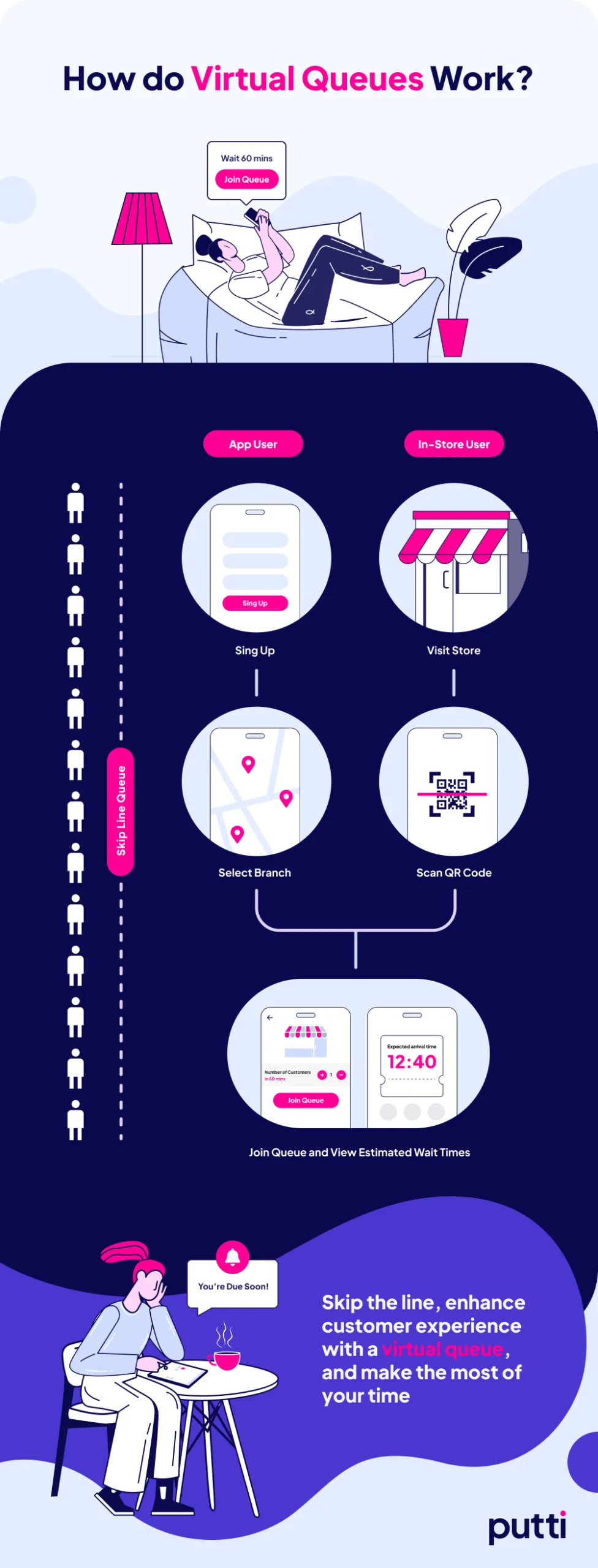
Web-based: The customer visits a URL, enters their contact details and the reason for their visit, and is assigned a queue number. No app download required.
App-based: The customer downloads an app and creates an account. On arrival, or remotely, they scan a QR code or enter their phone number to join the queue. The app tracks their position live.
Why Virtual Queuing Transforms Capacity Management
The shift from physical to virtual queuing is not just a convenience upgrade. It changes the operational model entirely.
Customers are no longer anchored to a spot. A customer who joins a virtual queue can go for coffee, finish a work call, or browse the store. Their likelihood of abandoning drops because they are not enduring a frustrating, static wait.
Businesses gain predictive data. Because every queue event is logged digitally, operators can analyse wait times by hour, day, and season. This data feeds staffing models and helps prevent the load spikes that degrade service.
Capacity can be managed actively. Operators can slow intake, redirect customers to quieter times, or open additional service channels, all from a dashboard, in real time, without a staff member standing at a door.
Revenue leakage from abandoned queues decreases. Fewer people walk away because they cannot see the end of the line. Virtual queuing systems have been shown to reduce abandoned carts and missed appointments.
Industry Applications
Virtual queuing has moved well beyond retail. Here is where it is making a practical difference:
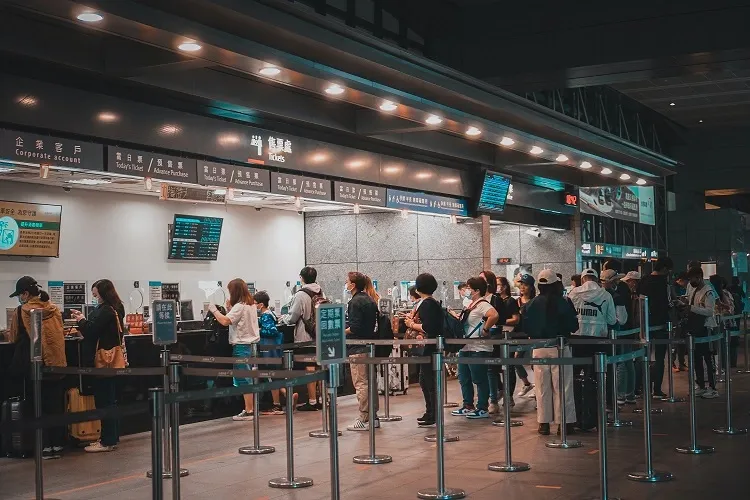
Airports: Reduces touchless surface contact and manages crowd density, minimising transmission risks in high-traffic terminals.
Pharmacies: Combines digital prescription management with queue flow, removing bottlenecks at the dispensary counter.
Government services: Helps overcome language barriers and complex department routing, while keeping front-line staff focused on the customer in front of them rather than managing the line behind.
Barbershops: Customers join from home and arrive precisely when their slot is ready, with no dead time in the waiting area.
Emergency rooms: Triage systems integrated with virtual queuing let clinical staff prioritise patients by need rather than arrival order.
Real-World Examples Built by Putti
Putti has designed and built production virtual queuing systems for two New Zealand clients.
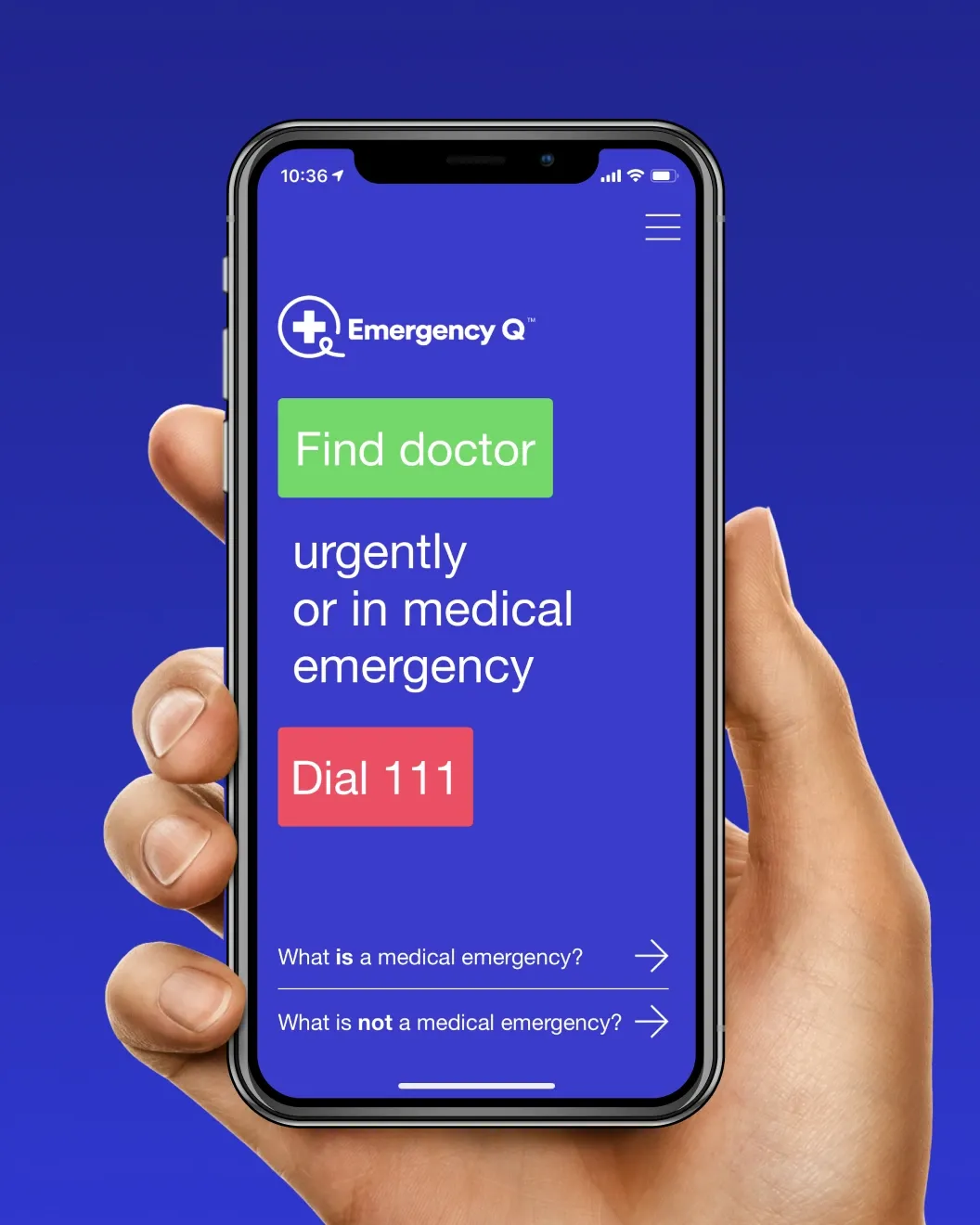
EmergencyQ improves the emergency room patient experience while giving healthcare providers the tools to optimise resources and deliver timely care. The system surfaces queue state to both patients and clinical staff, reducing anxiety and enabling better triage decisions.
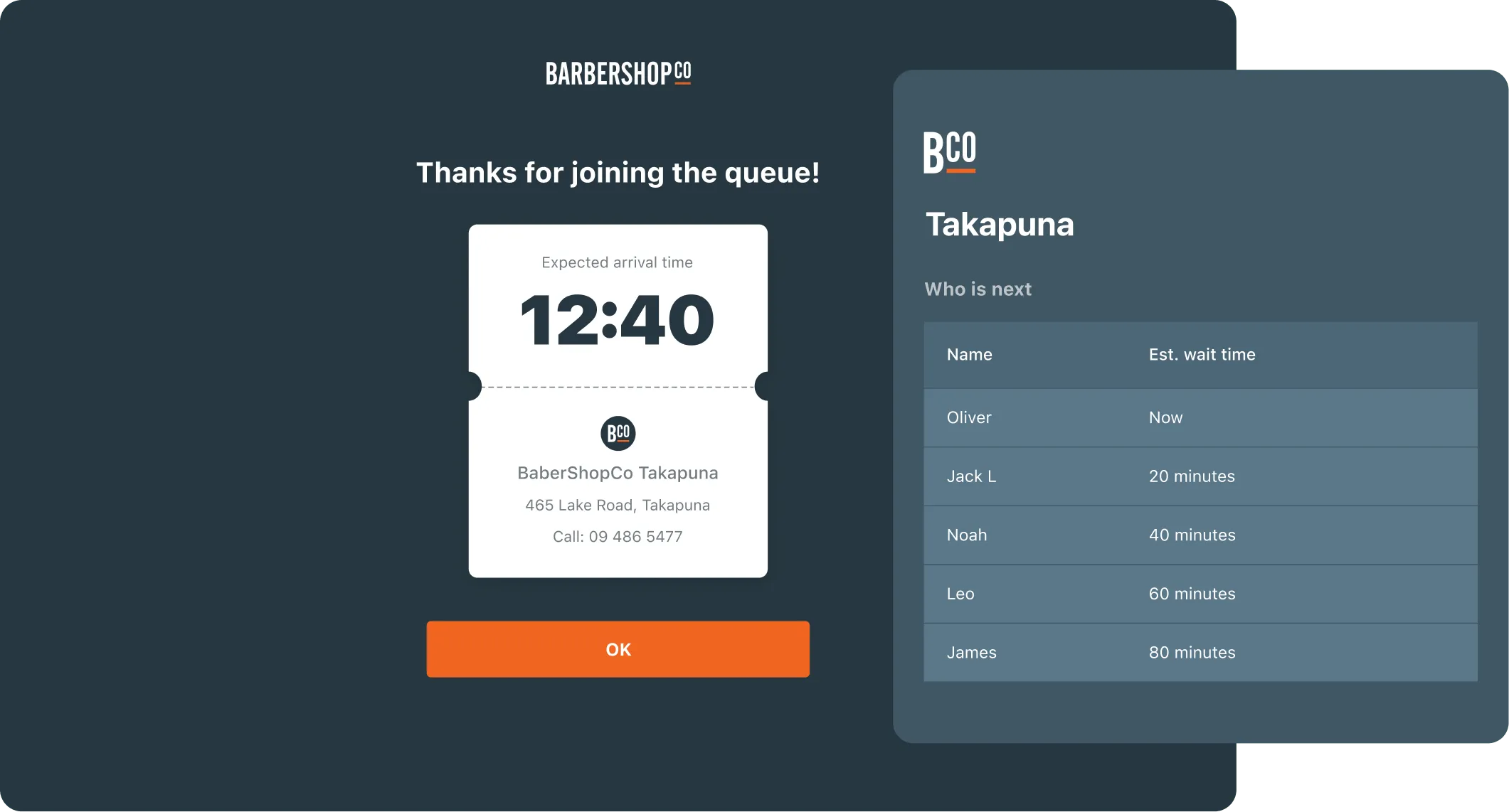
BarbershopCo Virtual Queuing App serves New Zealand's leading barbershop chain across 20+ locations. It reduces wait times and increases transparency through real-time updates and estimated service times, turning the pre-service experience from a frustrating wait into an informed one.
Challenges to Expect When Implementing Virtual Queuing
Two practical challenges come up in almost every deployment.
Upfront investment. Software licences, hardware (kiosks, displays), and staff training carry an initial cost that can feel significant for smaller businesses. The key framing is that these are investments with a long return horizon: reduced staff overhead, improved throughput, and better retention compound over time.
Customer habit change. Some customers, particularly those who prefer the tangible order of a visible line, resist new systems. Effective onboarding, clear in-venue signage, and keeping a traditional queue option available during the transition period all smooth adoption significantly.
Neither challenge is a reason to delay. Planned well, a virtual queuing rollout can be staged so that both costs and disruption are manageable.
Is Virtual Queuing Right for Your Business?
If your business has predictable service demand, visible queue congestion at peak times, or customers who currently abandon because they cannot see the end of the line, virtual queuing is worth evaluating seriously.
The technology is mature, the integration patterns are well-understood, and the operational benefits are measurable from week one. Get in touch if you would like to explore what a virtual queuing system could look like for your context.